
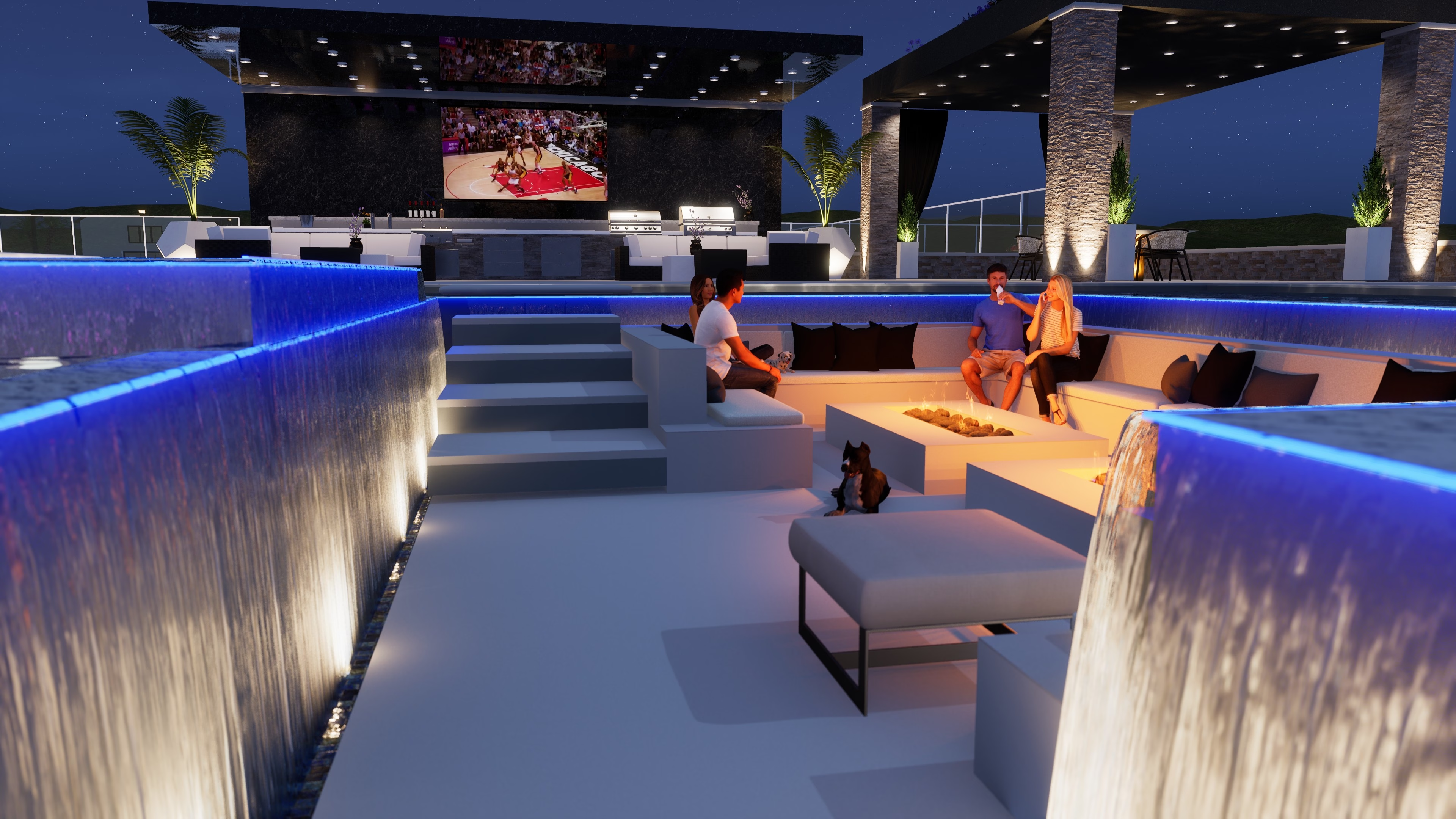
Winning more jobs is rarely about talking faster. It is about reducing uncertainty before the homeowner signs.
For pool and patio projects, uncertainty usually shows up in three places:
- How the finished yard will actually look from the house.
- Whether premium upgrades are worth the extra budget.
- Whether layout decisions will create regrets later.
3D visuals solve all three when they are used at the right points in your bid process.
Why visuals improve close rates
Most homeowners do not reject a project because they hate the concept. They reject it because they cannot picture the outcome clearly enough to commit.
When you include proposal-ready visuals:
- Scope feels concrete instead of abstract.
- Upgrade options feel comparable instead of risky.
- Revision conversations happen before construction starts.
That combination shortens indecision cycles and improves trust during estimating.
Checklist: pre-proposal proof package
Before the client review meeting, confirm this checklist:
- One approved base concept from the estimator and project lead.
- Two to three upgrades tied to exact line items.
- Visual callouts for constraints (setbacks, grade changes, access paths).
- A clear revision owner on your team.
A repeatable contractor workflow
Use this sequence for pool + patio bids:
1. Collect a complete intake packet
Before requesting visuals, gather:
- Site photos from key viewpoints (inside and outside).
- Rough dimensions and elevation notes.
- Finish preferences (or a short list of options).
- Must-have features (fire pit, shade, outdoor kitchen, lighting).
This avoids expensive back-and-forth and gives your designer enough context for a useful first pass.
2. Present one base concept plus option sets
Do not send five unrelated concepts. Instead:
- Present one strong base design.
- Add 2-3 upgrade options tied to line items.
- Label each option in the proposal and in the visuals.
This keeps decision-making focused and supports clear upsell conversations.
3. Tie visuals directly to price anchors
Use language like:
- "Option A: paver upgrade shown in View 2 (+$X)."
- "Option B: extended patio cover shown in View 4 (+$Y)."
Clients buy what they can see and price in the same moment.
Example talk track for option pricing
Use a short, repeatable line during proposal review:
- "This is the base scope shown in View 1."
- "This upgrade is shown in View 2 and adds $X."
- "This premium package is shown in View 3 and adds $Y."
That script keeps visuals and pricing synchronized during the meeting.
Common mistakes that kill momentum
- Sending visuals too late, after verbal scope drift already started.
- Showing renderings without matching them to line items.
- Asking for too many revisions before first decision checkpoints.
Where ModerneEra fits in your process
If your team needs a repeatable way to ship proposal visuals, start here:
- Pricing overview
- How ModerneEra works
- Pool design 3D render service
- Patio hardscape render service
- Project examples
- Case studies
Use visuals to remove doubt early, and your estimates will convert with less friction.